Try the real app, no account needed
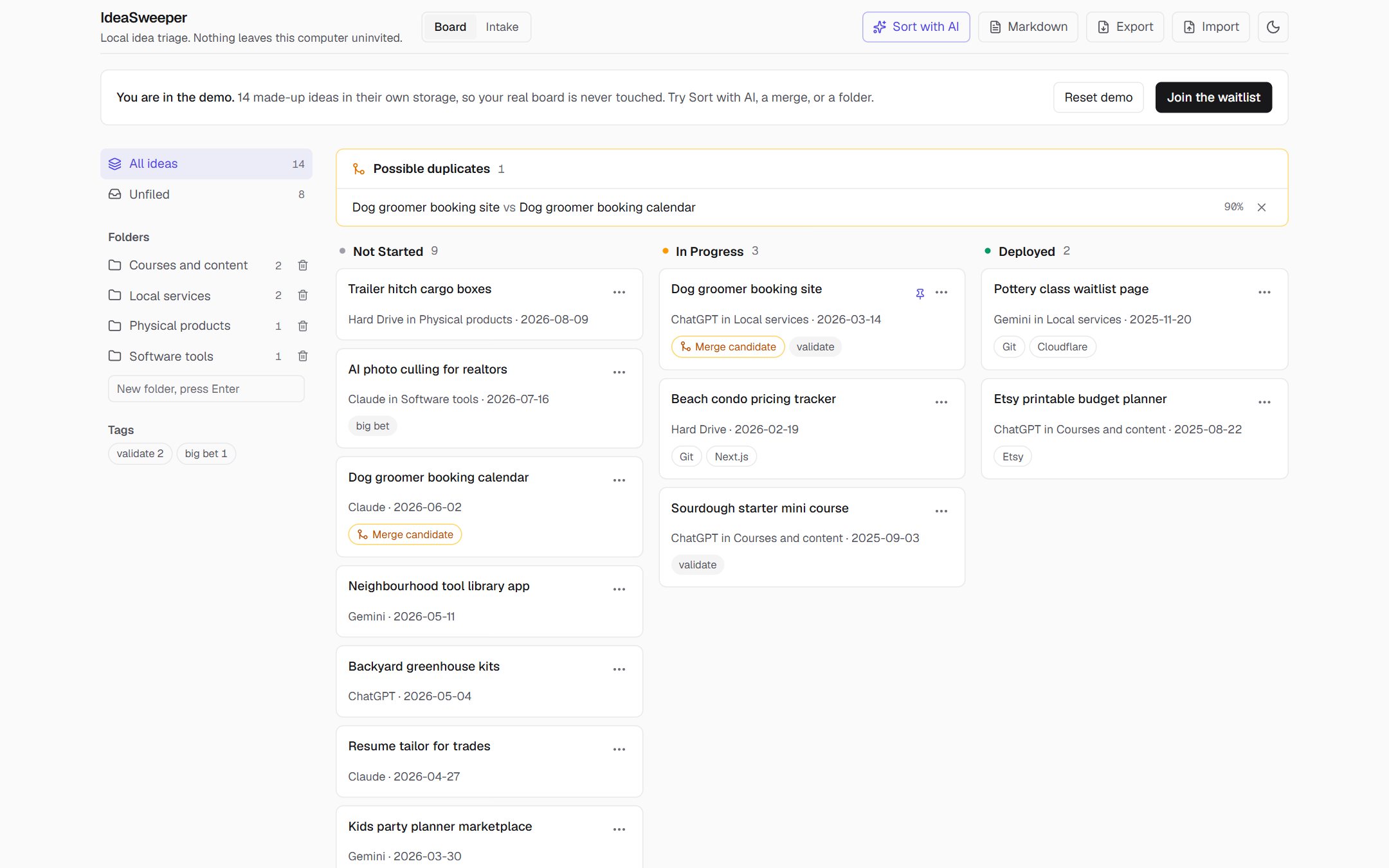
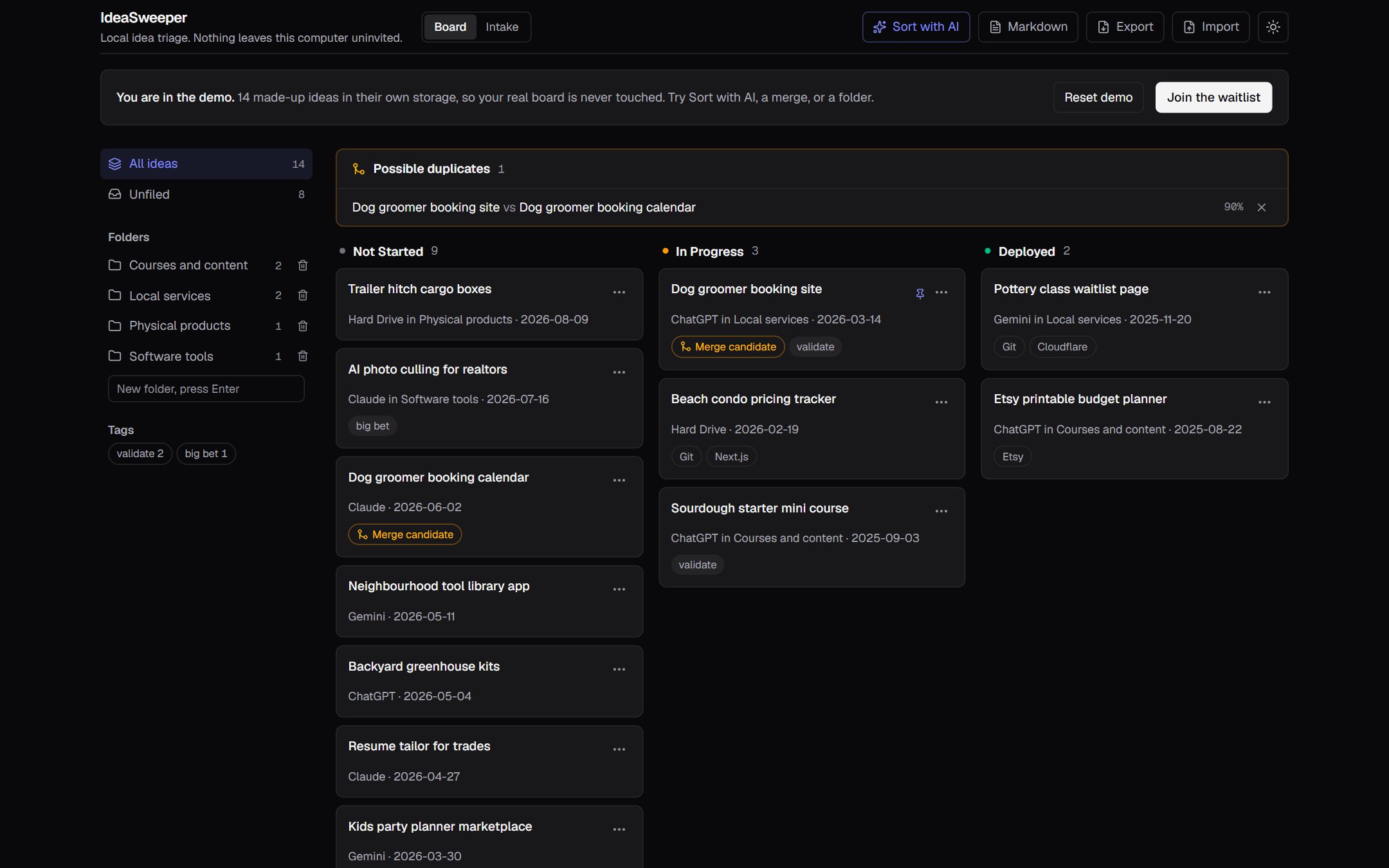
The demo is IdeaSweeper itself, loaded with 14 made-up ideas from five sources. It runs in its own storage, so nothing you do there touches a board you make later.
Five things to try
- Merge the duplicate. The tray at the top found two dog groomer ideas from different chats. Compare them and merge.
- Run Sort with AI. In the demo the suggestions are ready-made, so no key is needed. Untick one, change another's folder, then apply.
- Move a card. Open a card's menu and set its status, folder or tags.
- Filter the board. Click a folder or tag in the sidebar.
- Export a note. Download every idea as Markdown, ready for your wiki or your next AI chat.
Made a mess? Reset demo in the banner puts the 14 ideas back.